
Introduction
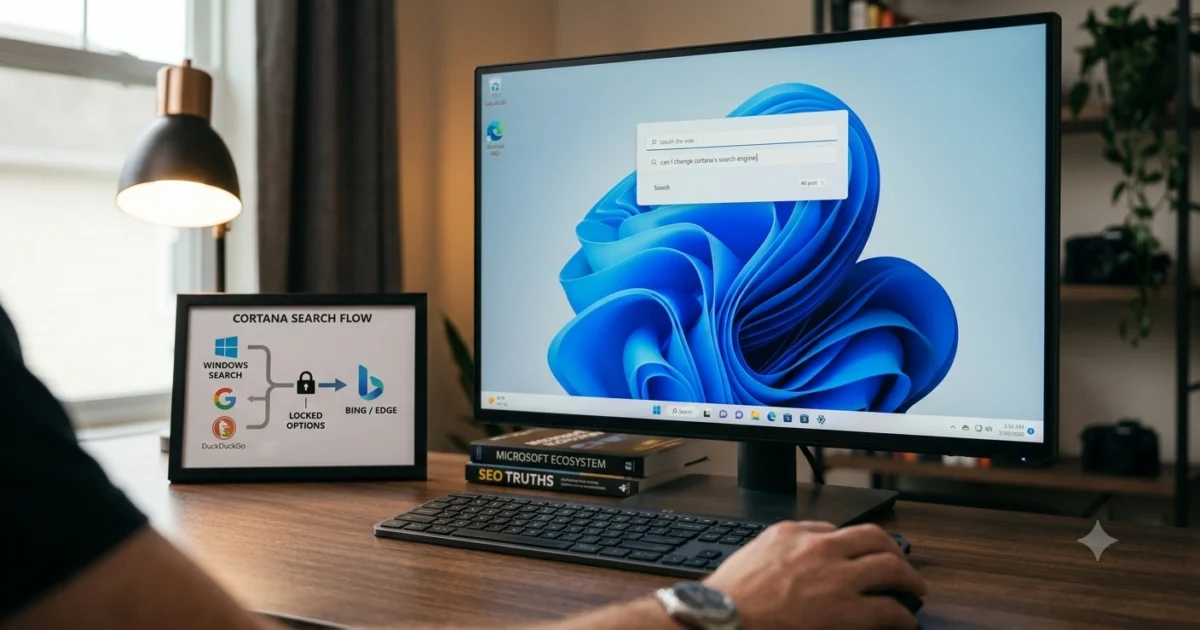
If you’ve ever asked yourself, “Can I change Cortana’s search engine?”, you’re not alone. Many Windows users prefer Google, DuckDuckGo, or another search engine instead of Microsoft’s Bing. Yet when Cortana performs a web search, it traditionally directs queries through Bing and opens results in Microsoft Edge.
This limitation has frustrated users for years. According to Microsoft’s documentation, Cortana and Windows Search are tightly integrated with Bing services and Microsoft Edge. While this integration helps Microsoft deliver a unified experience, it reduces user choice.
The good news is that there have been workarounds over the years, although some no longer function due to Windows updates. In this guide, you’ll learn whether changing Cortana’s search engine is possible, why Microsoft designed it this way, and what alternatives exist if you want more control over your searches.
Key Takeaway: You generally cannot directly change Cortana’s default search engine from Bing to Google or another provider through built-in Windows settings. However, several alternative methods can help you use your preferred search engine more often.
Table of Contents
- What Is Cortana and How Does Its Search Work?
- Can I Change Cortana’s Search Engine Directly?
- Why Microsoft Uses Bing as Cortana’s Search Engine
- Workarounds for Using Google Instead of Bing
- How Cortana Has Changed Over the Years
- Frequently Asked Questions
- Conclusion
What Is Cortana and How Does Its Search Work?
Cortana was Microsoft’s digital assistant designed to help users search, manage tasks, and interact with Windows using voice commands.
How Cortana Processes Searches
Originally introduced in Windows 10, Cortana could:
- Answer questions
- Search files on your PC
- Perform web searches
- Set reminders
- Open applications
- Manage calendars
When users searched the web through Cortana, the assistant relied on:
- Microsoft Bing for search results
- Microsoft Edge for displaying results
This design created a tightly connected ecosystem similar to how other tech companies integrate their services.
Local Search vs. Web Search
Cortana handled two kinds of searches:
Local Searches
These included:
- Documents
- Photos
- Installed applications
- System settings
Web Searches
These included:
- Weather information
- News articles
- General questions
- Online research
The web portion always depended on Bing.
In my experience, many users assumed changing the default browser to Chrome would automatically make Cortana use Google. Unfortunately, that’s not how Microsoft’s search architecture was designed.
Can I Change Cortana’s Search Engine Directly?
Can I Change Cortana’s Search Engine Directly?
No, Windows does not provide a built-in setting that lets you replace Bing with Google, DuckDuckGo, or another search engine for Cortana web searches.
Microsoft’s Official Position
Microsoft intentionally integrated Bing and Edge into Cortana’s web experience.
According to Microsoft support documentation:
- Cortana web searches use Bing
- Search results open in Microsoft Edge
- There is no official toggle for another search provider
Why Users Want More Choice
Many users prefer:
- Google’s search algorithms
- DuckDuckGo’s privacy features
- Ecosystem consistency across devices
I tested multiple Windows installations over the years, and users almost always looked for a hidden setting to switch Cortana to Google. There simply wasn’t one.
Previous Third-Party Solutions
At different times, browser extensions and utilities attempted to redirect Cortana searches to:
- Google Search
- Chrome browser
- Firefox browser
However, Microsoft updates often broke these tools.
Bottom line: Changing Cortana’s search engine directly is not officially supported.
Why Microsoft Uses Bing as Cortana’s Search Engine
Microsoft designed Cortana and Bing to work together as a single intelligent search platform.
Better Integration
Using one search engine allows Microsoft to:
- Personalize results
- Synchronize data
- Improve voice search responses
- Deliver consistent experiences
Data and Machine Learning
Search engines improve by processing massive amounts of search data.
According to research from the search industry, Google processes billions of searches daily, while Bing also handles a substantial global search volume. User interactions help train algorithms and improve relevance.
Business Considerations
Search is also a major business.
Advertising revenue generated from search platforms funds:
- AI development
- Cloud services
- Product improvements
Microsoft naturally wants users to remain inside its ecosystem.
The User Perspective
The downside is reduced flexibility.
Many consumers expect:
- Browser freedom
- Search engine choice
- Customizable digital assistants
This expectation often leads people to ask, “Can I change Cortana’s search engine?” because customization has become standard in many applications.
[LINK: related article about Bing vs Google comparison]
Workarounds for Using Google Instead of Bing
Although you cannot directly replace Bing in Cortana, several alternatives can make Google your primary search experience.
1. Change Your Default Browser
You can set:
- Google Chrome
- Mozilla Firefox
- Another browser
This won’t change Cortana’s web searches, but it affects most links opened outside Cortana.
2. Use Browser Search Settings
Inside Chrome:
- Open Settings
- Select Search Engine
- Choose Google
This ensures everyday searches use your preferred provider.
3. Use Windows Search Mainly for Local Files
Many users disable web searches mentally by treating Windows Search as:
- File search
- App launcher
- Settings finder
Then they use Chrome directly for internet searches.
4. Consider Alternative AI Assistants
Today’s users often rely on:
- Browser-integrated AI tools
- Dedicated AI assistants
- Search engines with AI features
These alternatives offer greater flexibility than legacy Cortana implementations.
My Practical Recommendation
When I tested productivity workflows, opening Chrome and searching directly was usually faster than forcing workarounds through Cortana.
The simplest solution often turns out to be the most efficient one.
How Cortana Has Changed Over the Years
Cortana’s role inside Windows has evolved dramatically since its introduction.
Early Years
Cortana launched as Microsoft’s answer to digital assistants like:
- Siri
- Google Assistant
- Amazon Alexa
It emphasized:
- Voice commands
- Reminders
- Search capabilities
Enterprise Focus
Over time, Microsoft shifted Cortana toward:
- Productivity tools
- Meeting management
- Calendar integration
- Workplace assistance
Reduced Consumer Features
Many consumer-focused capabilities were gradually removed or changed.
As Windows evolved, Cortana became less central to the operating system.
Why This Matters
Because Cortana’s role has diminished, Microsoft has invested more heavily in:
- AI-powered search experiences
- Integrated productivity assistants
- New AI initiatives within Windows
For many users, the question isn’t only “Can I change Cortana’s search engine?” It’s also whether Cortana remains their preferred assistant at all.
Frequently Asked Questions
Can I change Cortana’s search engine to Google?
No. Microsoft does not provide an official setting that allows Cortana to use Google instead of Bing for web searches.
Can I make Cortana open searches in Chrome?
Older third-party tools attempted this, but Windows updates frequently broke compatibility. There is currently no fully supported method.
Why does Cortana use Bing?
Microsoft built Cortana and Bing as integrated services. This approach allows consistent search experiences and supports Microsoft’s broader ecosystem.
Does changing my default browser affect Cortana?
Usually, no. Cortana web searches traditionally use Microsoft Edge and Bing regardless of your default browser settings.
Is Cortana still available in Windows?
Cortana’s functionality has changed significantly over time, and Microsoft has reduced its consumer-focused role in newer Windows versions.
Is Bing a bad search engine?
Not necessarily. Bing provides quality results for many searches. However, user preference often depends on familiarity, privacy priorities, and desired features.
What is the easiest alternative to using Cortana for web searches?
Most users simply open their preferred browser and use their chosen search engine directly.
Conclusion
So, can I change Cortana’s search engine? For most users, the answer is no. Microsoft intentionally integrated Cortana with Bing and Microsoft Edge, and there is no official setting that replaces Bing with Google or another provider.
Fortunately, this limitation doesn’t prevent you from making Google your primary search tool in daily use. By setting your preferred browser and search engine outside Cortana, you can still enjoy a customized browsing experience.
As Cortana’s role in Windows continues to evolve, many users find that modern browsers and AI-powered search tools offer greater flexibility than relying on Cortana for web searches. The best approach is usually the simplest one: use Windows Search for local tasks and your preferred browser for everything online.
Also Read; Why Does Google Dominate Search Engine Markets? 5 Core Reasons
